Installation
- Login to BindTuning;
- On the left sidebar, click on Intranet > Accessibility;
- Download the package;
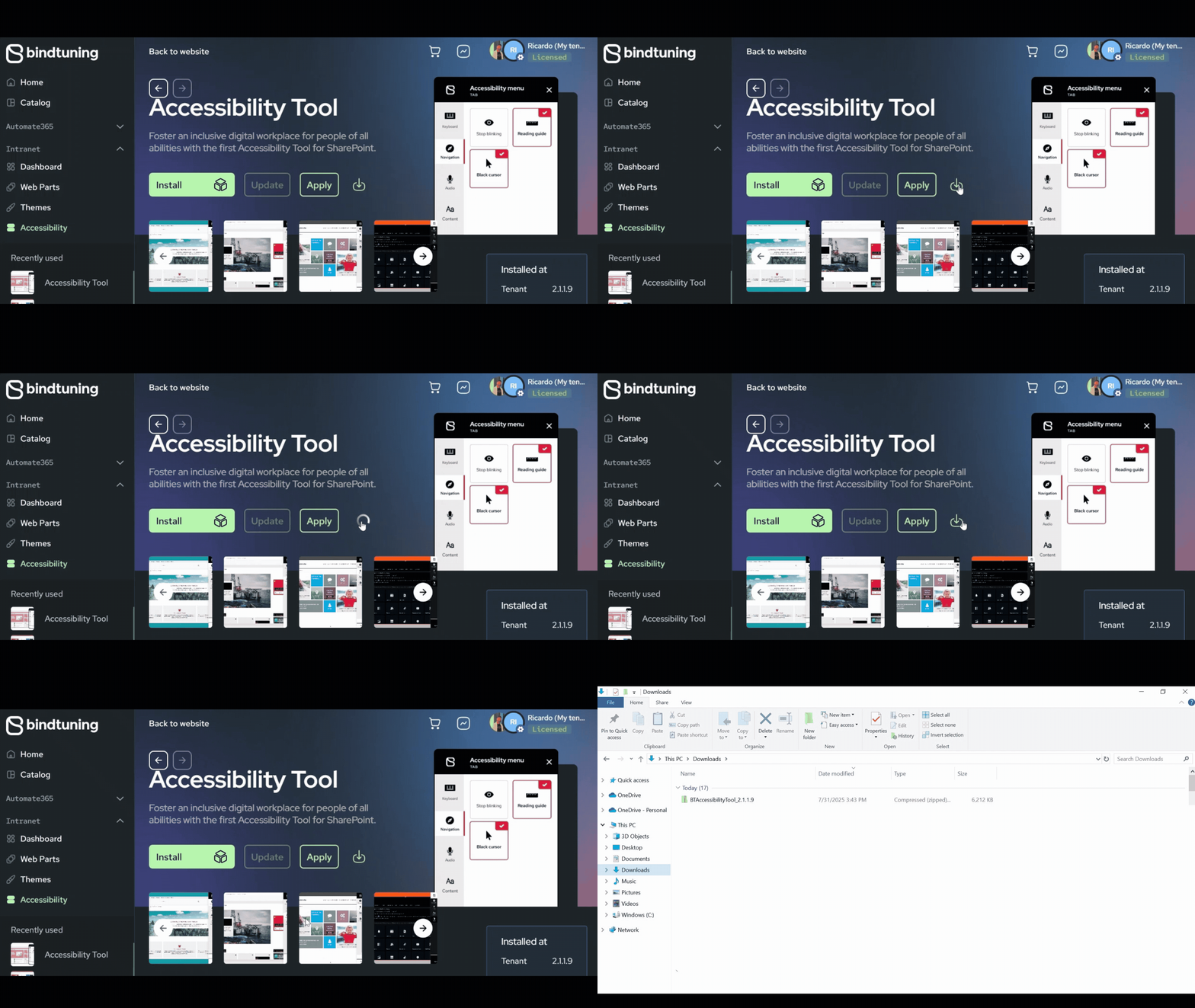
- Extract the files and run the PowerShell script.
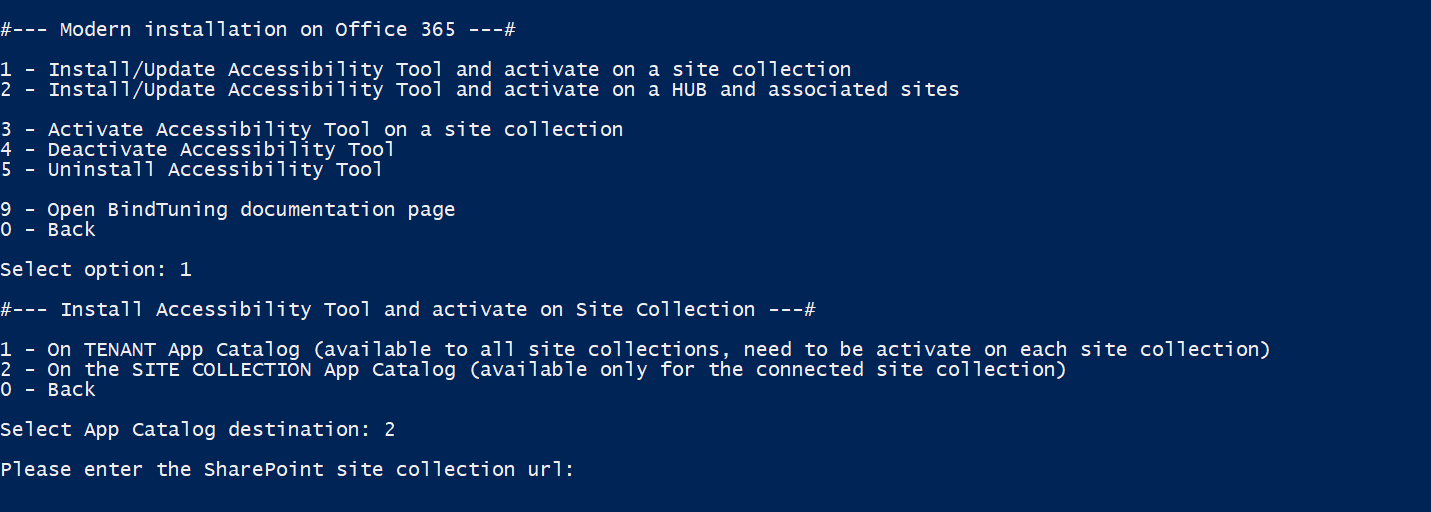
- Select Yes (Y) to allow the installation to run. When prompted to select environment, choose Office 365 and on the authentication type, choose Interactive (1).
- Select Modern Version and installation scope:
- Install/Update Accessibility Tool and activate on a site collection: Installs the tool on a site collection;
- Install/Update Accessibility Tool and activate on a site collection: Installs the tool on a hub and its connected sites
- Select the app catalog to install the tool and add the URL of the site collection.