Apply
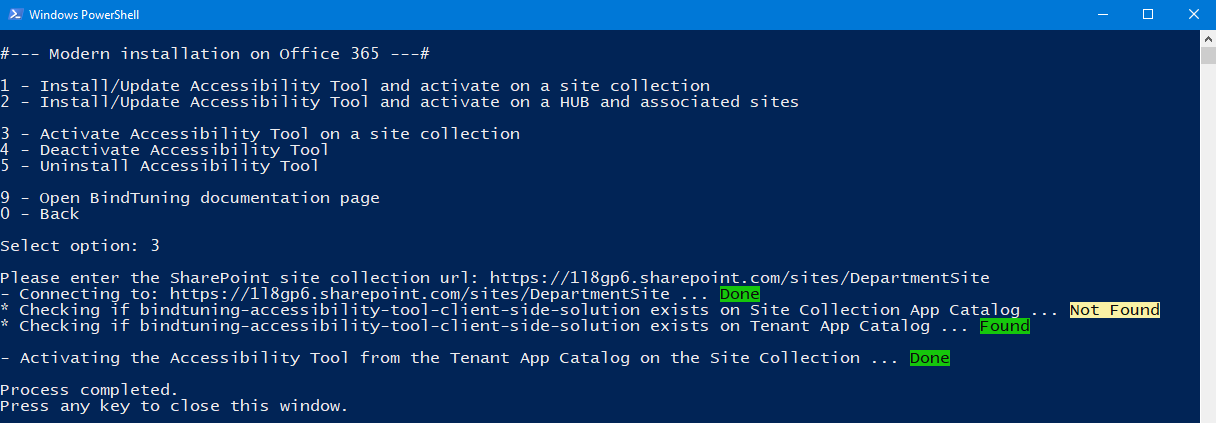
When installing the accessibility tool package on the tenant app catalog, the user is able to apply it to any site collection under the tenant.
-
Login to BindTuning;
-
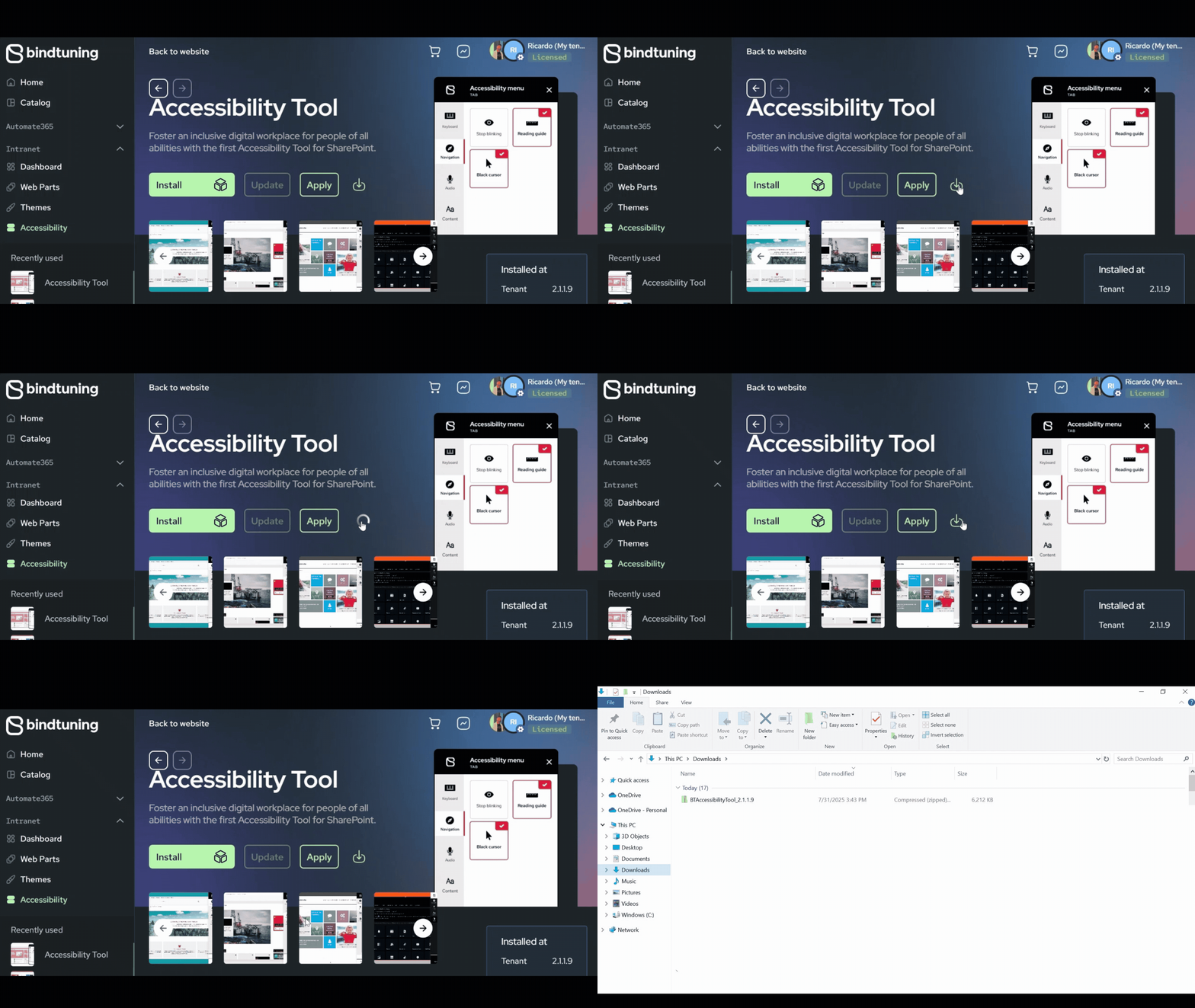
On the left sidebar, click on Intranet > Accessibility and download the package;
-
Extract the files and run the PowerShell script;
-
Select Yes (Y) to allow the installation to run. When prompted to select environment, choose Office 365 and on the authentication type, choose Interactive (1).
-
Select Modern Version and Activate Accessibility Tool on a site collection;
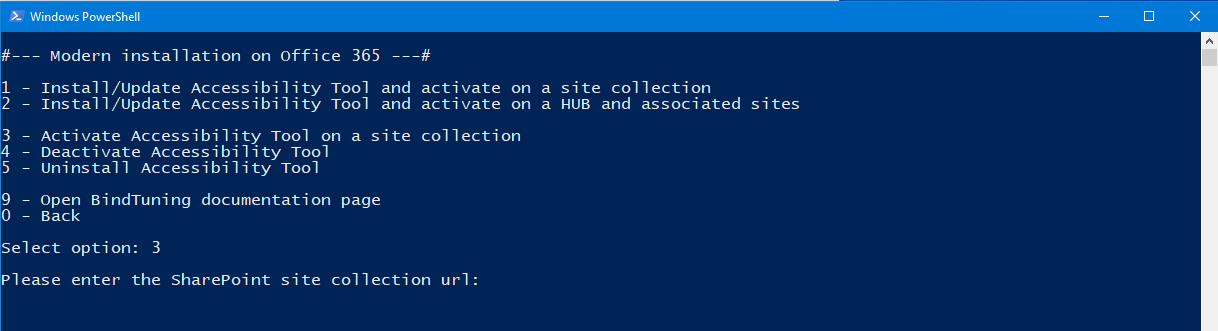
- Paste the SharePoint site collection url and log in with your credentials.