Uninstall
Deactivate the tool
-
Right click the installer_BTAccessibilityTool.ps1 file and select Run with PowerShell;
-
Select the option Modern version and hit Enter;
-
Select the option Dectivate Accessibility Tool;
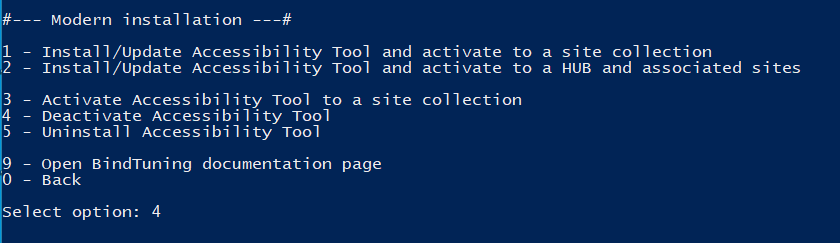
-
Select the option from site collection;
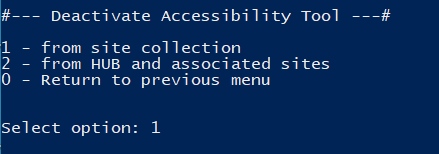
-
If prompted, input your Farm Credentials;
Tool deactivated! ✅
Uninstall tool
-
Right click the installer_BTAccessibilityTool.ps1 file and select Run with PowerShell;
-
Select the option Modern version and hit Enter;
-
Select the option Uninstall Accessibility Tool;
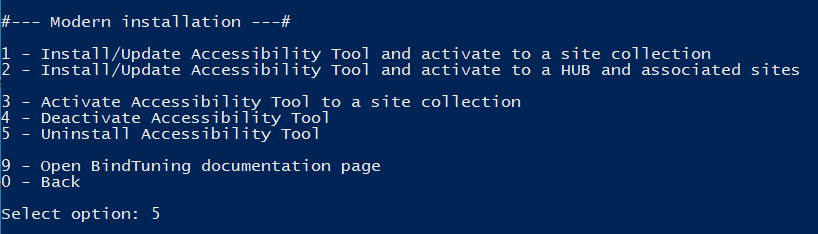
-
Input the site collection you want to uninstall the tool from;
-
If prompted, input your Farm Credentials;
Tool uninstalled! ✅